Image Models Nano Banana

Nano Banana

Fast high-volume variations and quick edits.

Click to Load Demo

Model showcase

Input vs result pairs to evaluate fidelity and style.

Comic to photoreal

Input

Comic to photoreal Input

Prompt

Turn this comic character into a hyper-realistic human while keeping the original hairstyle, outfit, facial expression, and overall features. Use deep depth of field so both subject and environment are crisp, creating an immersive, cinematic smartphone photo.

Result

Comic to photoreal Result

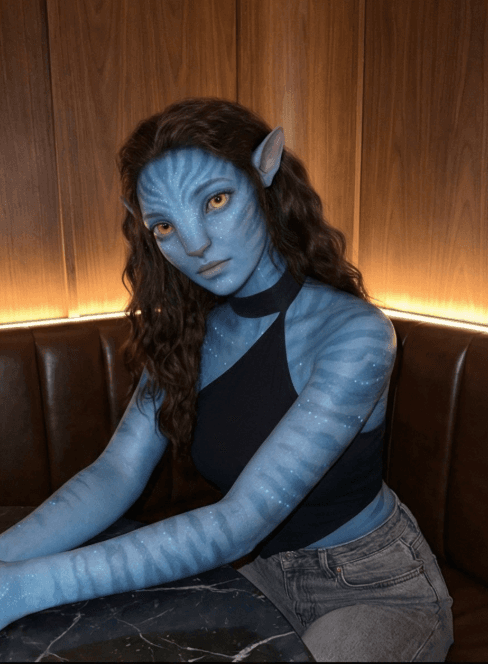
Photoreal to CGI

Input

Photoreal to CGI Input

Prompt

Convert photorealistic style to CGI/digital art.

Result

Photoreal to CGI Result

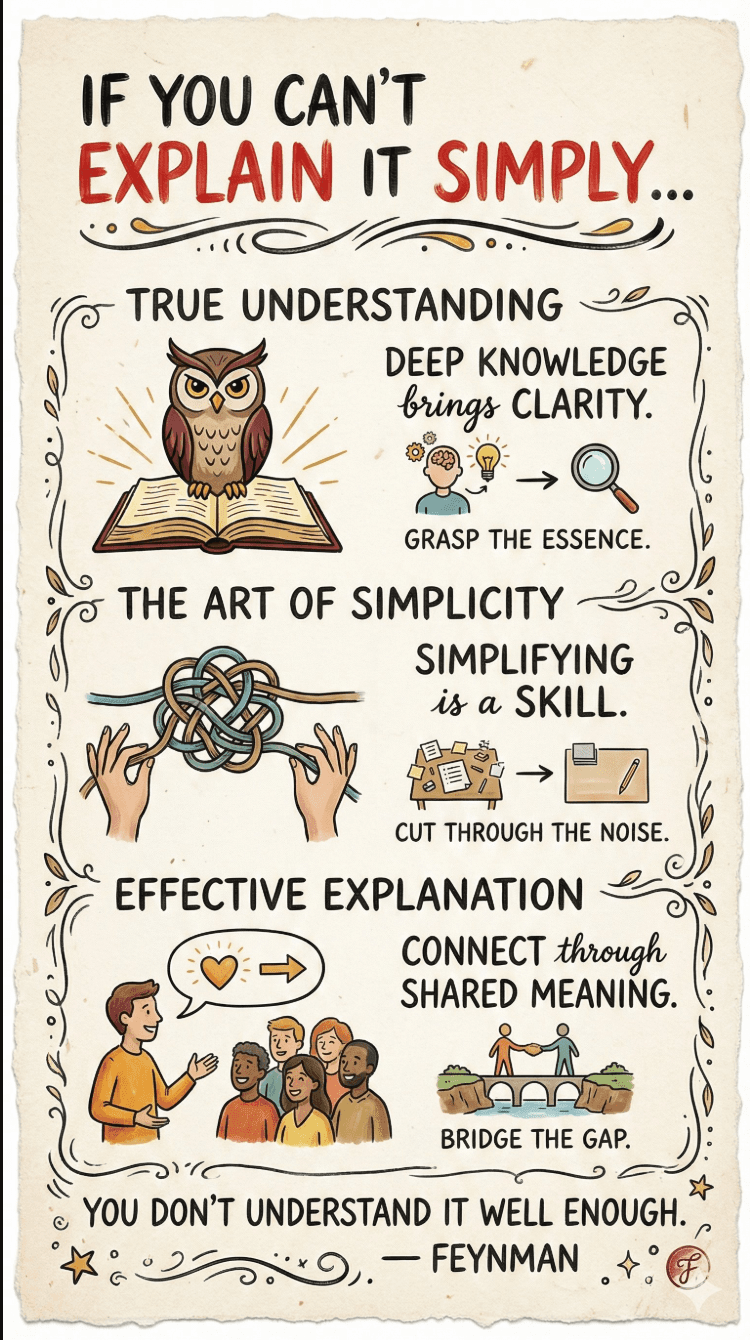
Hand-drawn infographic card

Prompt

Create a hand-drawn style vertical infographic card in 9:16. The card should feel warm and natural, with a beige or off-white background and a subtle paper texture.

Result

Hand-drawn infographic card Result

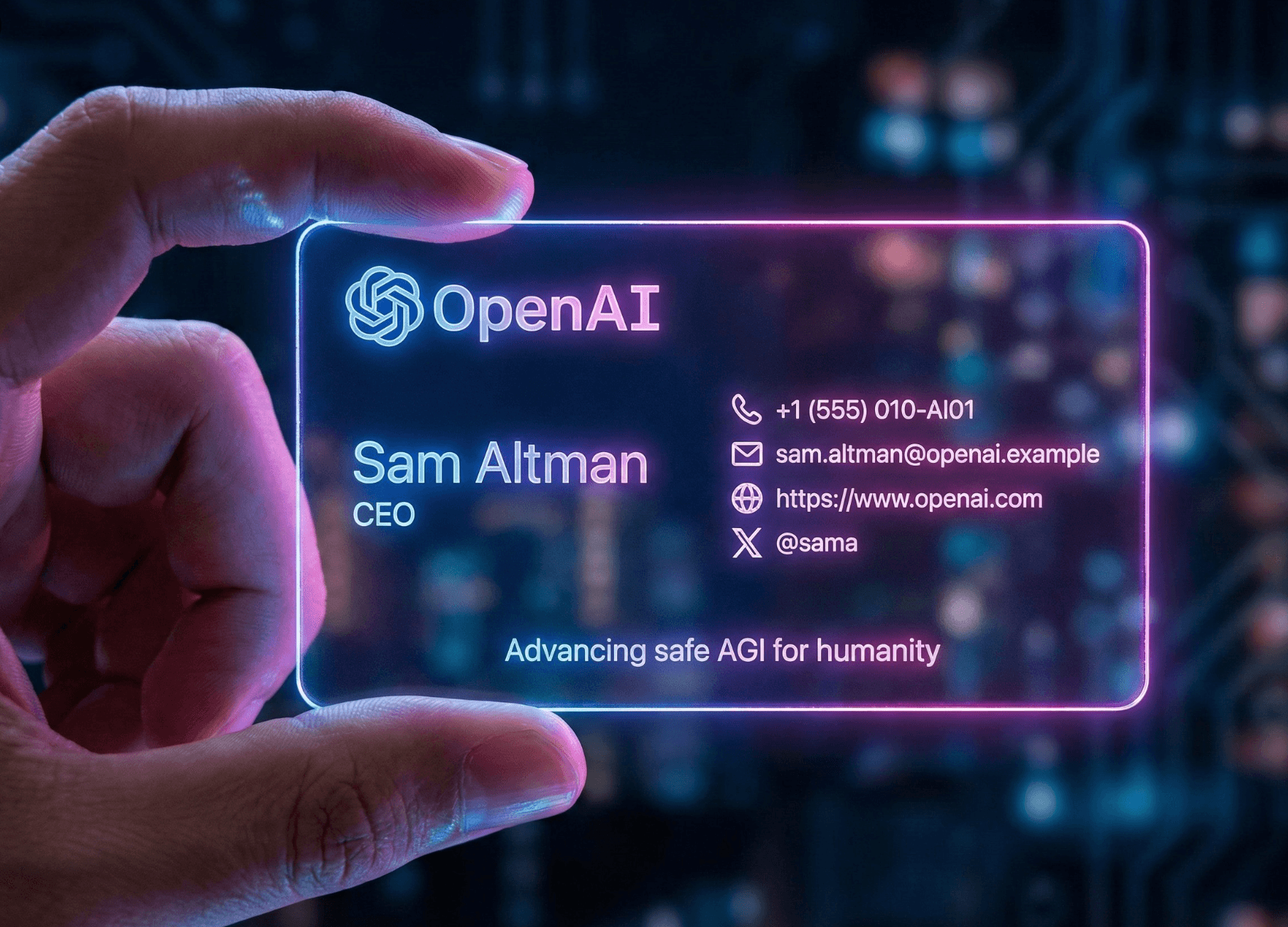
Cyberpunk business card

Prompt

A realistic cyberpunk futurist business card photo: a left hand holds a horizontal acrylic card, borderless, standard business-card size (3.5 inches).

Result

Cyberpunk business card Result

Nano Banana Features

Gemini 2.5 Flash Image excels at contextual understanding and visual coherence across edits, powered by Gemini's world knowledge. It preserves subject identity across generations without extra fine-tuning.

Character and Style Consistency

Keep the same character, object, or style across prompts, and swap environments, angles, or brand assets without extra fine-tuning.

Multi-Image Fusion

Blend multiple inputs into one cohesive visual, combining products, scenes, and reference elements.

Conversational Editing

Use natural language to make precise edits like background blur, object removal, pose changes, or recolor.

Visual Reasoning

Interpret hand-drawn diagrams, follow multi-step instructions, and respect real-world logic and context.

Native Image Understanding

Built-in image understanding and generation support seamless creation and editing in one workflow.

How to Use Nano Banana

Three quick steps to go from reference to final.

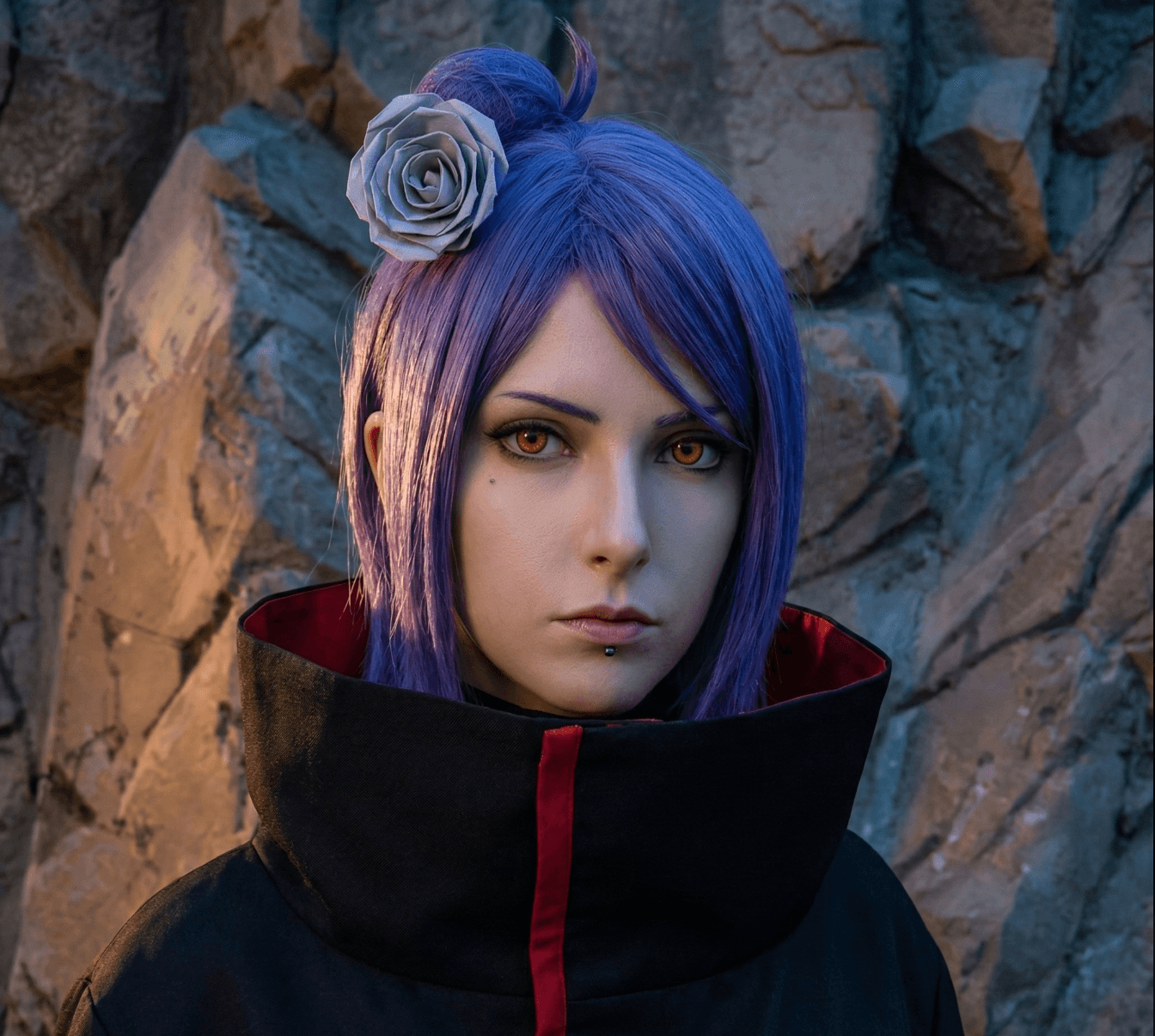
1

Upload a face or scene reference

Use a portrait, product, or location photo as the anchor.

2

Describe the goal

Specify style, localization, or layout details in your prompt.

3

Generate and export

Pick the best result, refine it, and export in high resolution.

Nano Banana FAQ

Quick answers for creators and teams.

1. What is Nano Banana? Is it a Google/Gemini model?

Nano Banana is the community nickname for Google’s image model. We provide it on img2img.online, and the model weights are not open-source, so it runs through platform access.

2. Where can I use Nano Banana?

Select Nano Banana on img2img.online to generate instantly; Gemini/AI Studio availability follows official releases.

3. How should I prompt it for consistency?

Use “subject + scene + style + constraints,” and add rules like keep face, don’t change hair, or lock pose. Reference images improve stability.

4. How much does it cost? Is it free?

Pricing is credit-based at about 20 credits per image. New accounts receive 50 credits to try the workflow.

5. Can it make videos?

Nano Banana is an image model only. Video generation is not supported.

6. NSFW, watermarks, and commercial use?

Safety filters block NSFW content. Watermarks can be toggled in settings, and commercial use should comply with rights and platform terms.

img2img