Alternate angle reshoot
Input
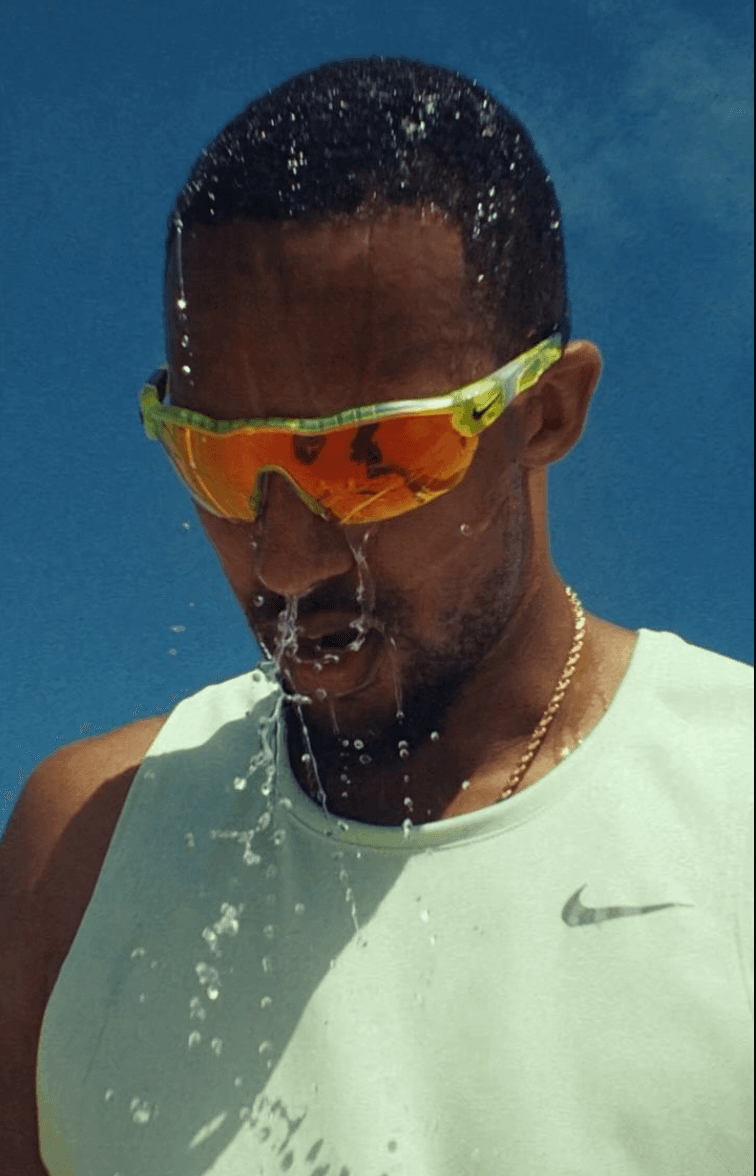
Prompt
Reshoot the person from the reference with the same outfit and pose, but from a different camera angle. Keep facial features and proportions consistent. Style: ultra-realistic lifestyle photo.
Result
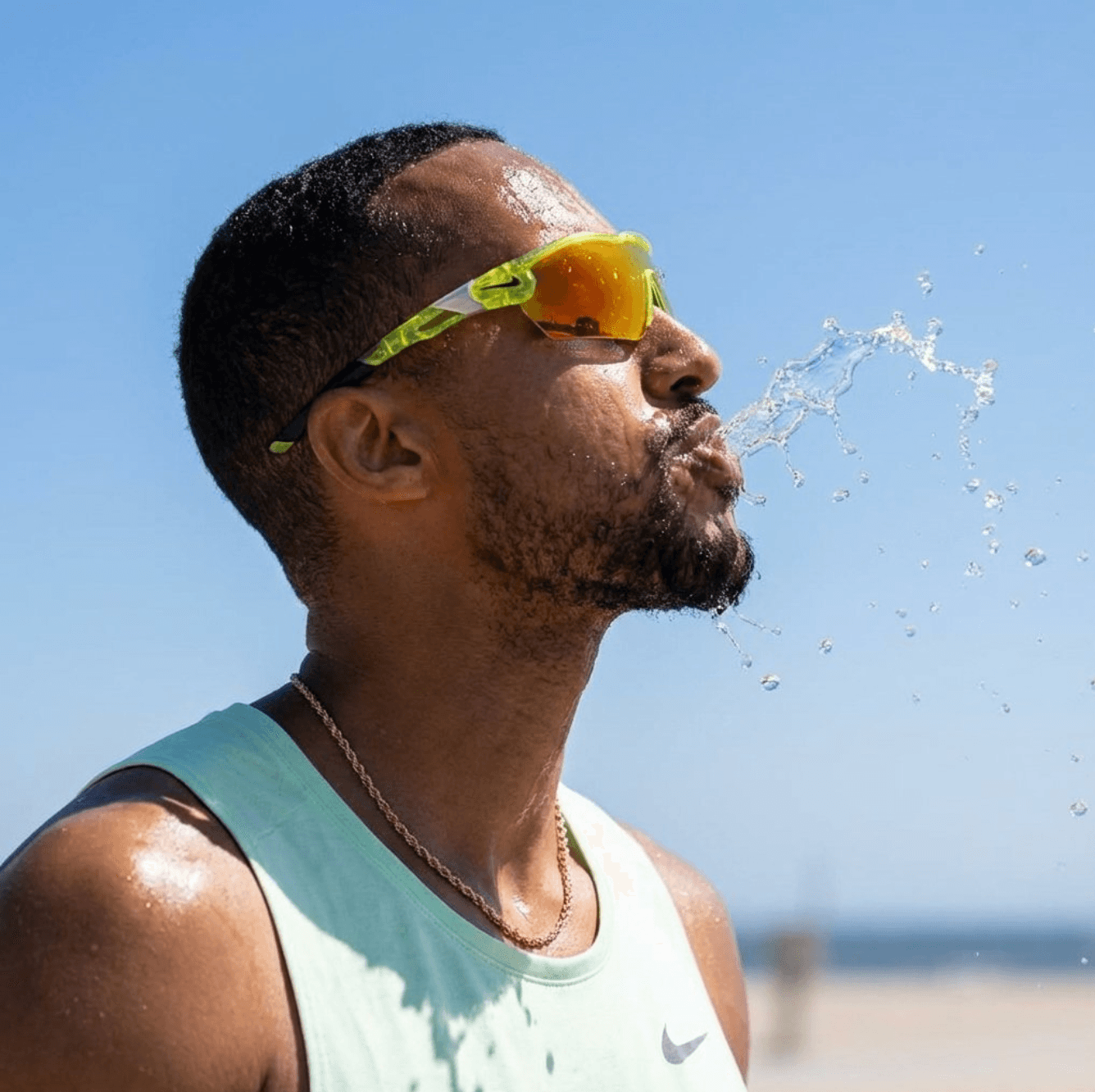
Premium quality for marketing assets and 4K-ready outputs.
Input vs result pairs to evaluate fidelity and style.
Input
Prompt
Reshoot the person from the reference with the same outfit and pose, but from a different camera angle. Keep facial features and proportions consistent. Style: ultra-realistic lifestyle photo.
Result
Input
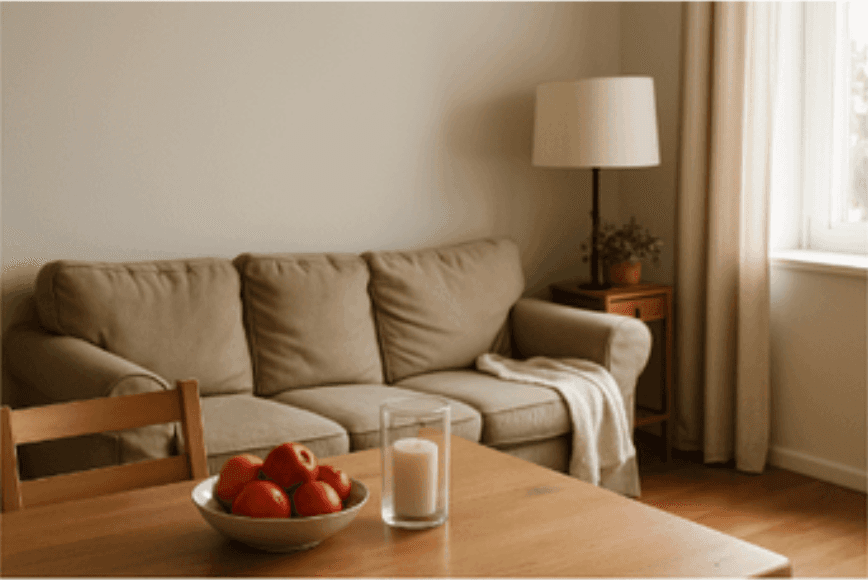
Prompt
Transform this room photo into a Christmas-themed interior design. Add a Christmas tree.
Result

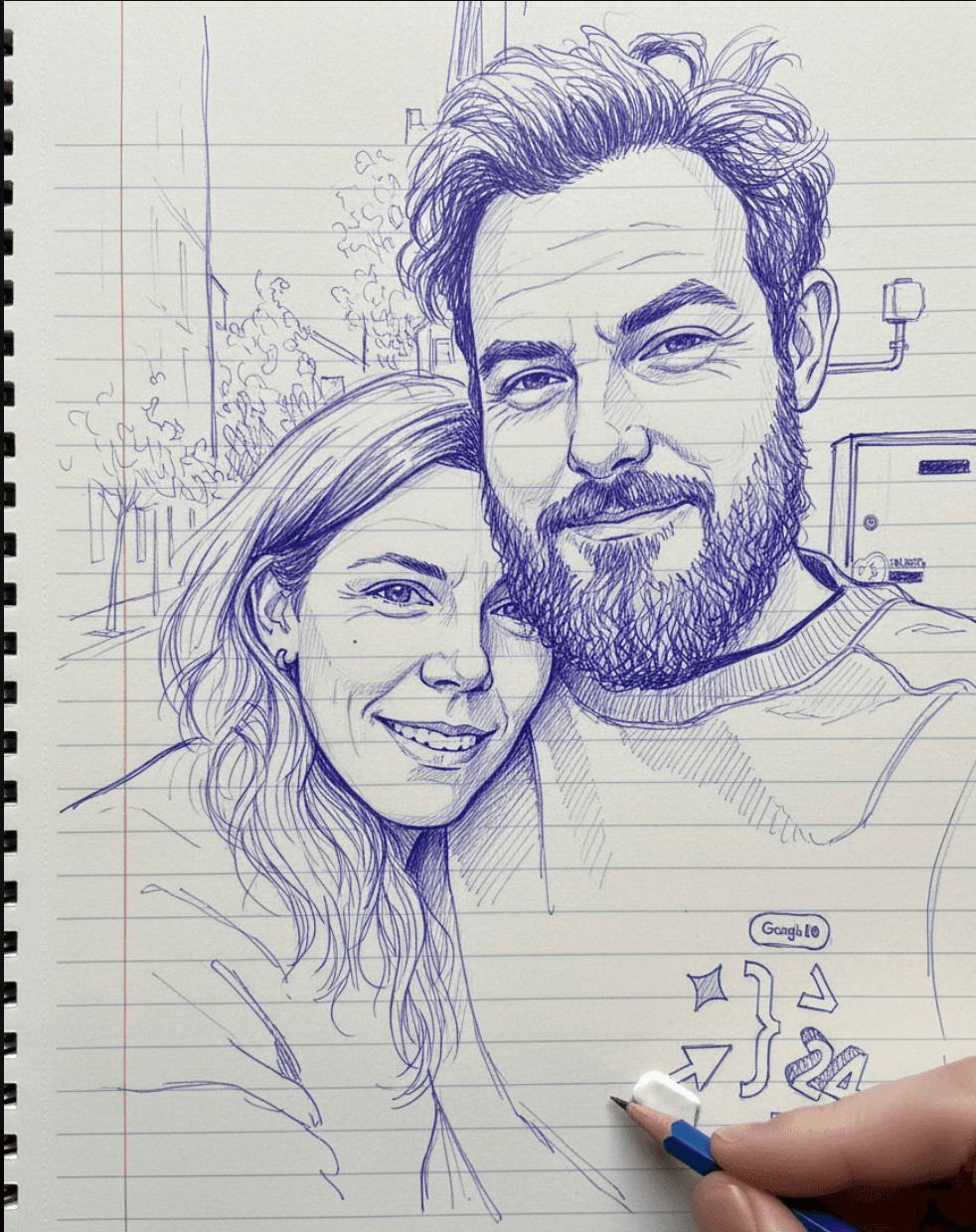
Input
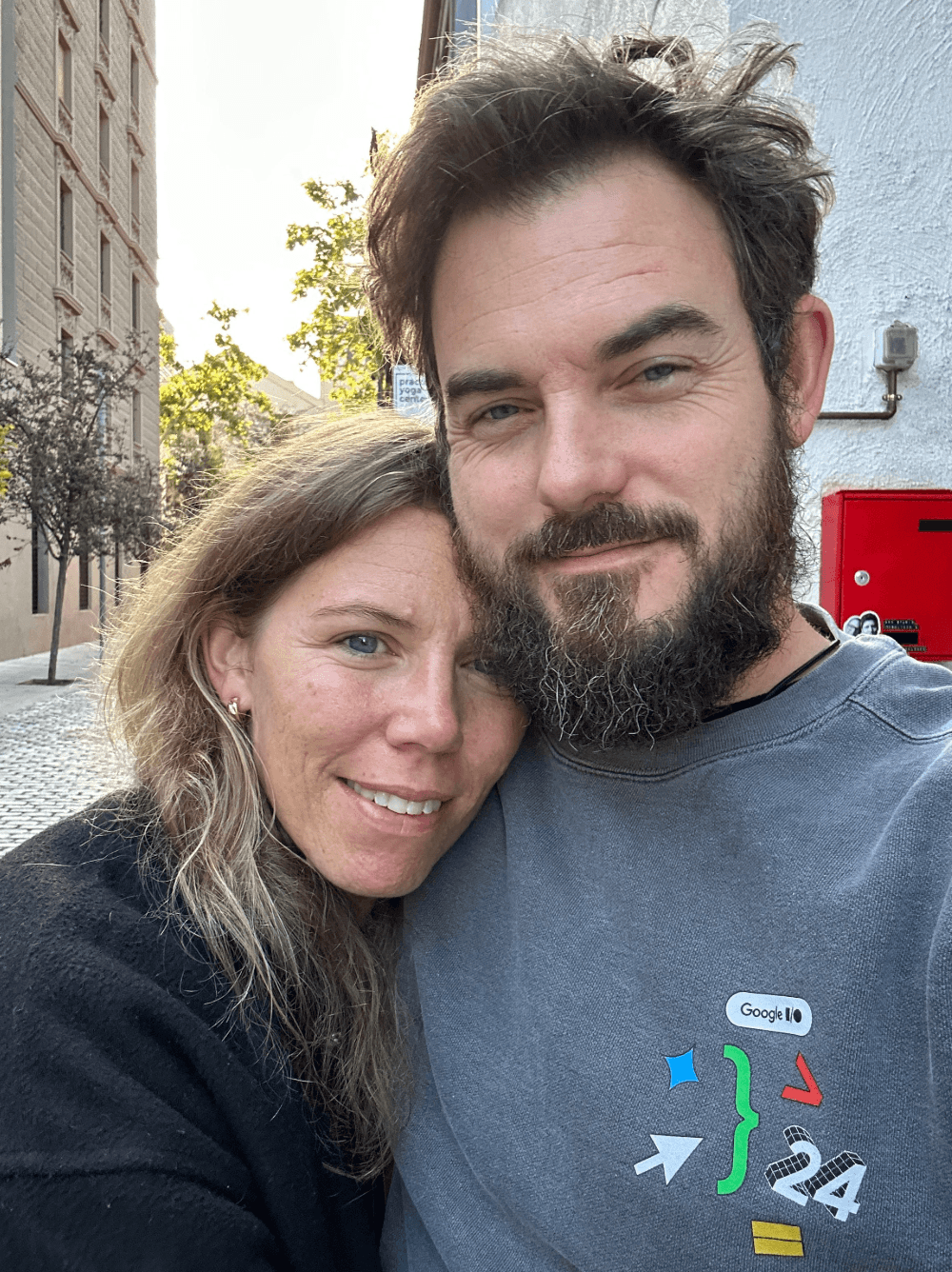
Prompt
Based on the uploaded reference image, draw a photo-style face line art/ink sketch—keep every facial feature, proportion, and expression identical. Use blue and white ink tones with fine intricate line details on a notebook-page background. Include a right hand holding a pen and eraser near the sketch, as if the artist is still drawing.
Result
Input
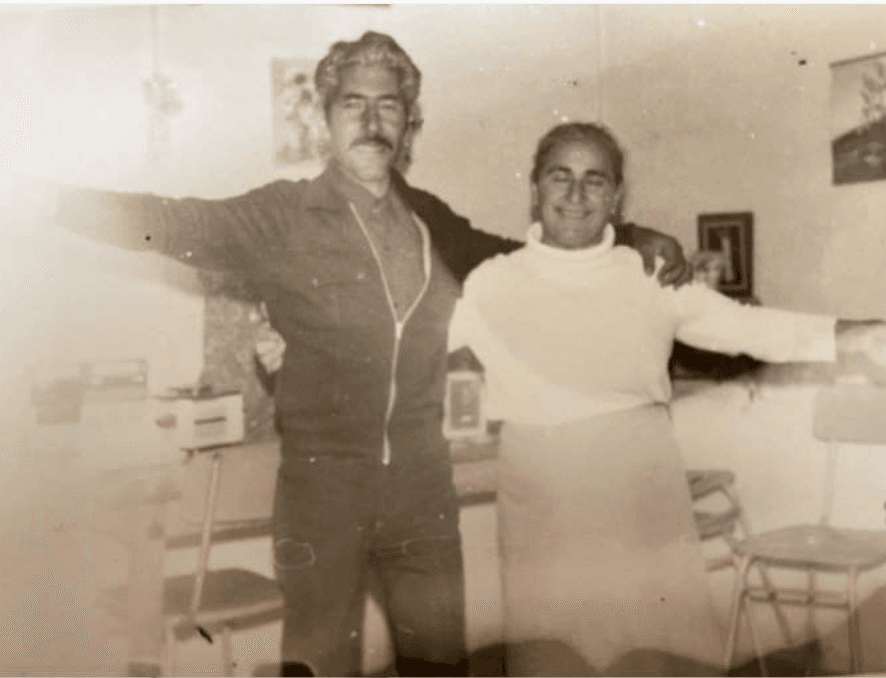
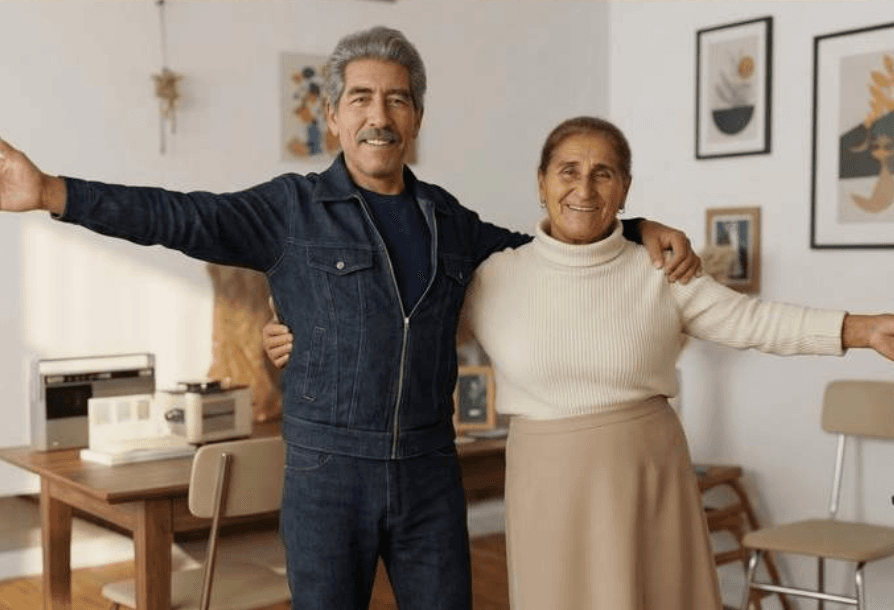
Prompt
Convert to a modern high-quality digital portrait with vivid colors, smooth realistic skin texture, and natural lighting.
Result
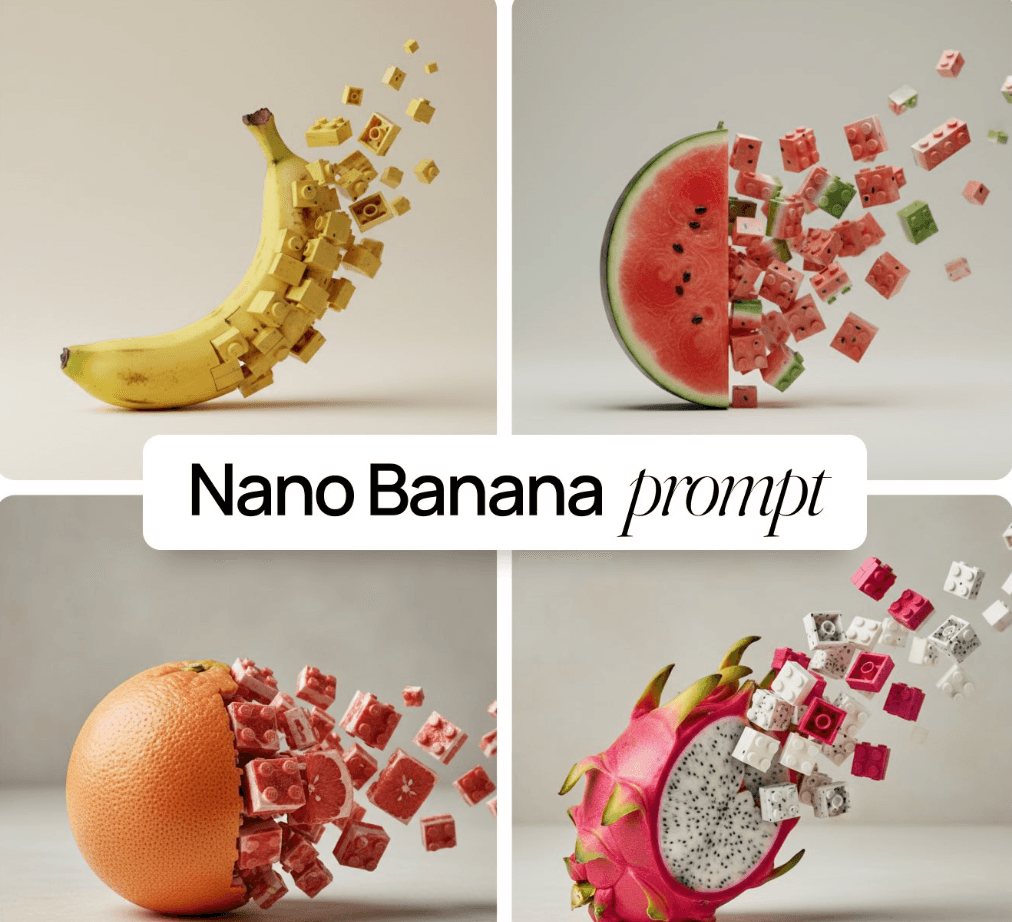
Prompt
Minimalist food photography, [1080x1080] — a [object] rests on a light matte surface, captured mid-transition into a LEGO-style 3D form: one half intact while the other naturally breaks into pieces...
Result
Prompt
Create an infographic from the provided content, highlighting key themes and points: simplify the information, emphasize keywords and core concepts, and leave ample whitespace for clarity. Add minimal cartoon elements, icons, or celebrity portraits to boost engagement and visual memory. All text and imagery must be in colored chalk style, no photorealistic illustrations. Unless otherwise requested, keep the original language of the input content. Use a horizontal 16:9 layout, blackboard background, colored chalk style.
Result

Pro control for text, knowledge visuals, and multi-image blends.
Generate crisp, readable text directly in images for posters, mockups, infographics, and signage.
Render multiple languages with varied fonts, textures, and calligraphy styles.
Use Gemini 3 Pro reasoning to build accurate educational content, infographics, and diagrams.
Connect to Google Search to pull live info like recipes, weather, or scores and visualize it.
Blend up to 14 images while keeping up to 5 people consistent and recognizable.
Adjust camera angle, lighting, color grading, depth of field, and regions with outputs up to 4K.
Localize, try on, and market in three focused steps.
Use one or multiple images as the creative anchor.
Call out the city, styling, text, or grid requirements.
Select the strongest output, then iterate on details.
Boundaries, outputs, and commercial use cases.
Pro focuses on higher resolution, sharper typography, and stronger multi-image consistency for 4K-ready assets.
Select Nano Banana Pro on img2img.online; Gemini/AI Studio access follows Google’s latest availability.
Credit usage is about 100 credits for 1k/2k and 200 credits for 4k. Subscriptions and packs are listed on the pricing page.
Choose size/quality settings, add multiple references, and call out rules like keep identity or preserve face in the prompt.
There’s no official Photoshop plugin; export PNG/JPG from img2img.online and continue edits in Photoshop.
Safety policy blocks NSFW content. Watermark toggles are in settings; subscribers can export without watermarks. Commercial use must meet rights and compliance rules.
img2img