Claymation makeover
Input
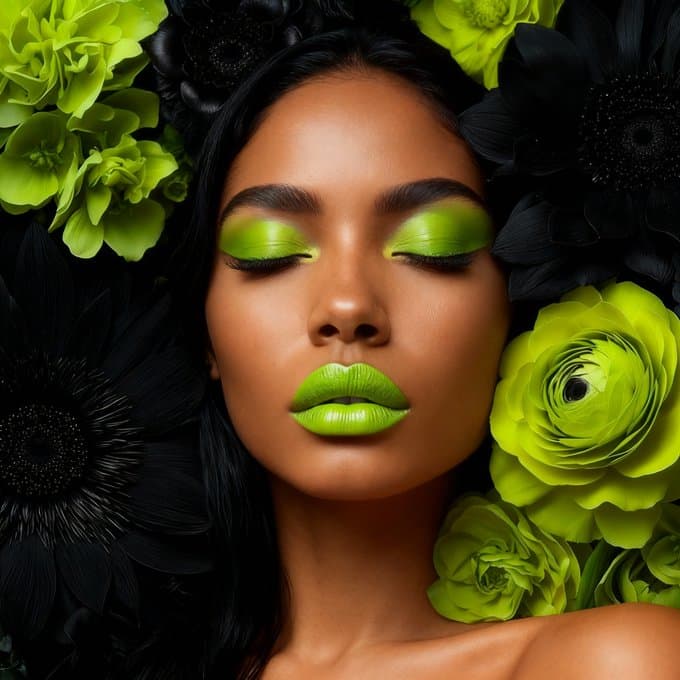
Prompt
Any image into a perfect claymation masterpiece.
Result
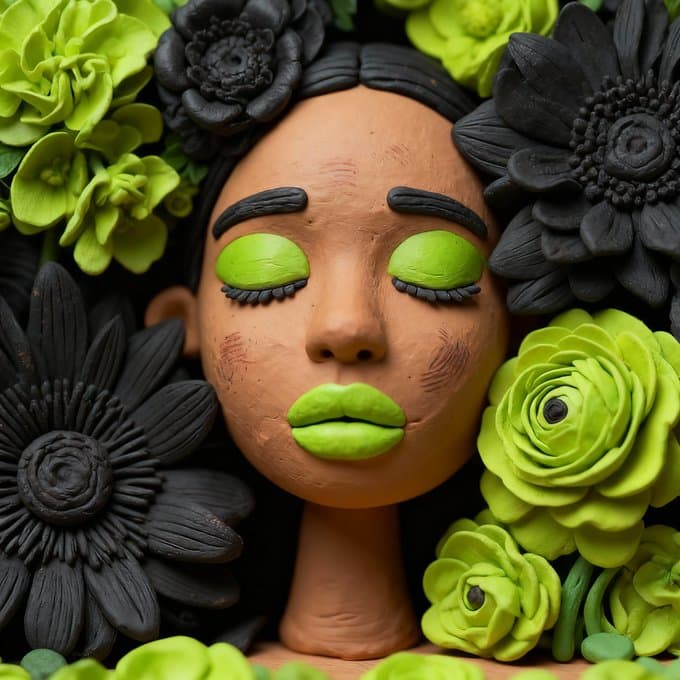
Input vs result pairs to evaluate fidelity and style.
Input
Prompt
Any image into a perfect claymation masterpiece.
Result
Input
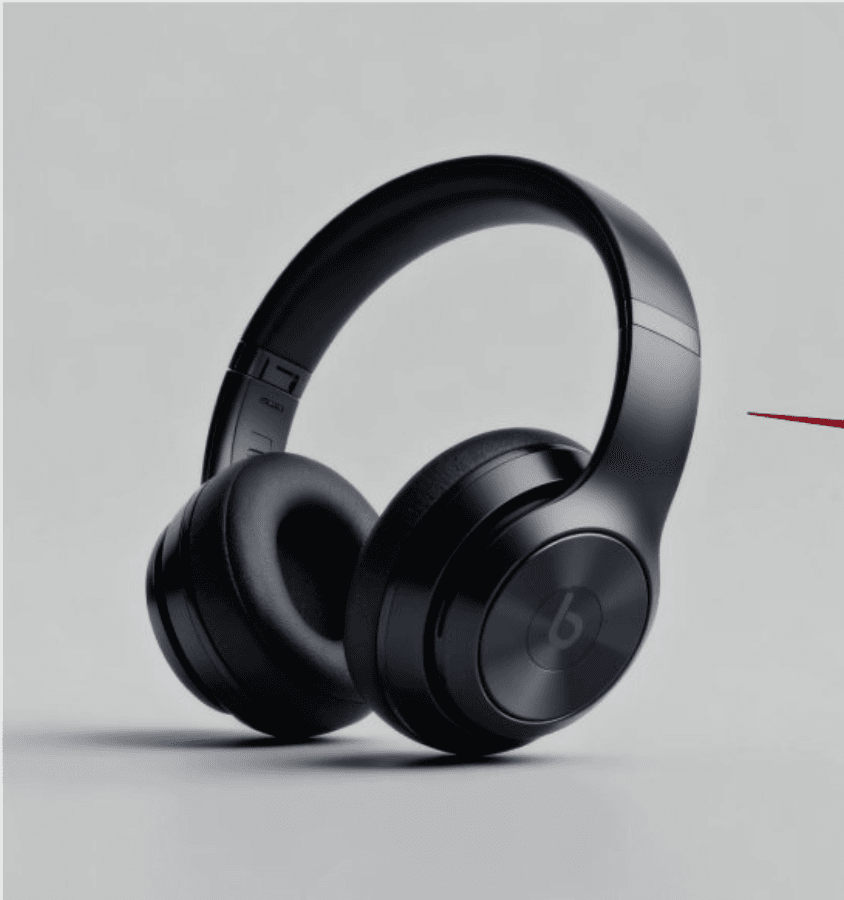
Prompt
Design a product hero image for this headset. Include text: brand name “PollyAI”; selling points “Excellent sound, immersive experience”, “Comfortable fit, no fatigue”, “Home delivery, supports 99% regions”, “New release”.
Result

Input

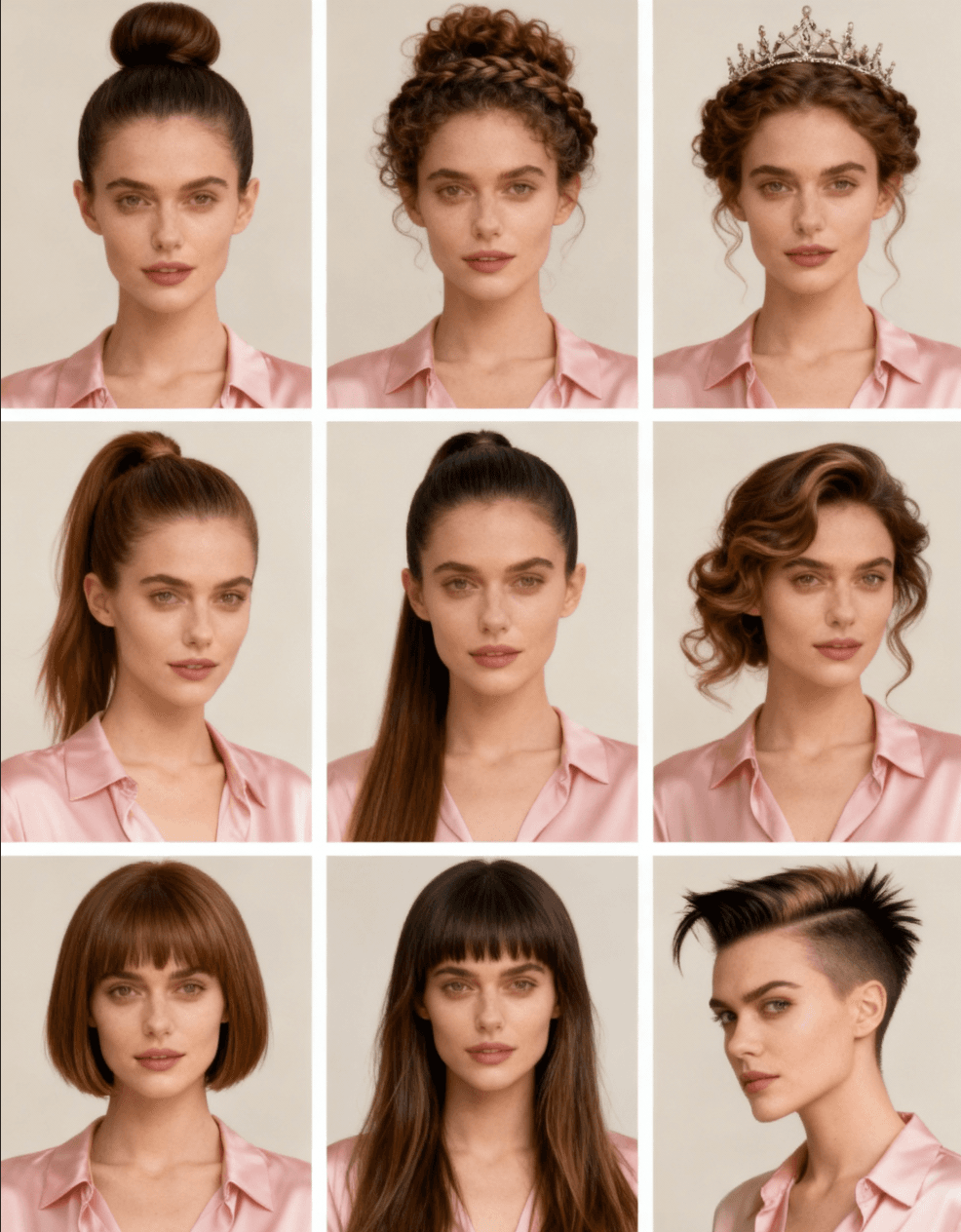
Prompt
A woman with nine different hairstyles, displayed in a nine-square grid. The hairstyles include a sleek bun, a curly updo, a braided crown, a sleek ponytail, a romantic wave, a short bob, a long flowing hair, a punk hairstyle, and a sleek side-part. Each hairstyle is distinct and visually appealing. The grid is evenly spaced and well-organized, showcasing the woman's versatility and beauty in each hairstyle. The background is neutral and simple to emphasize the hairstyles. The image is high-resolution, realistic, and detailed, with a focus on the woman's facial features and expressions. The lighting is natural and soft, highlighting the textures and colors of the hair. The mood is elegant and stylish.
Result
Input
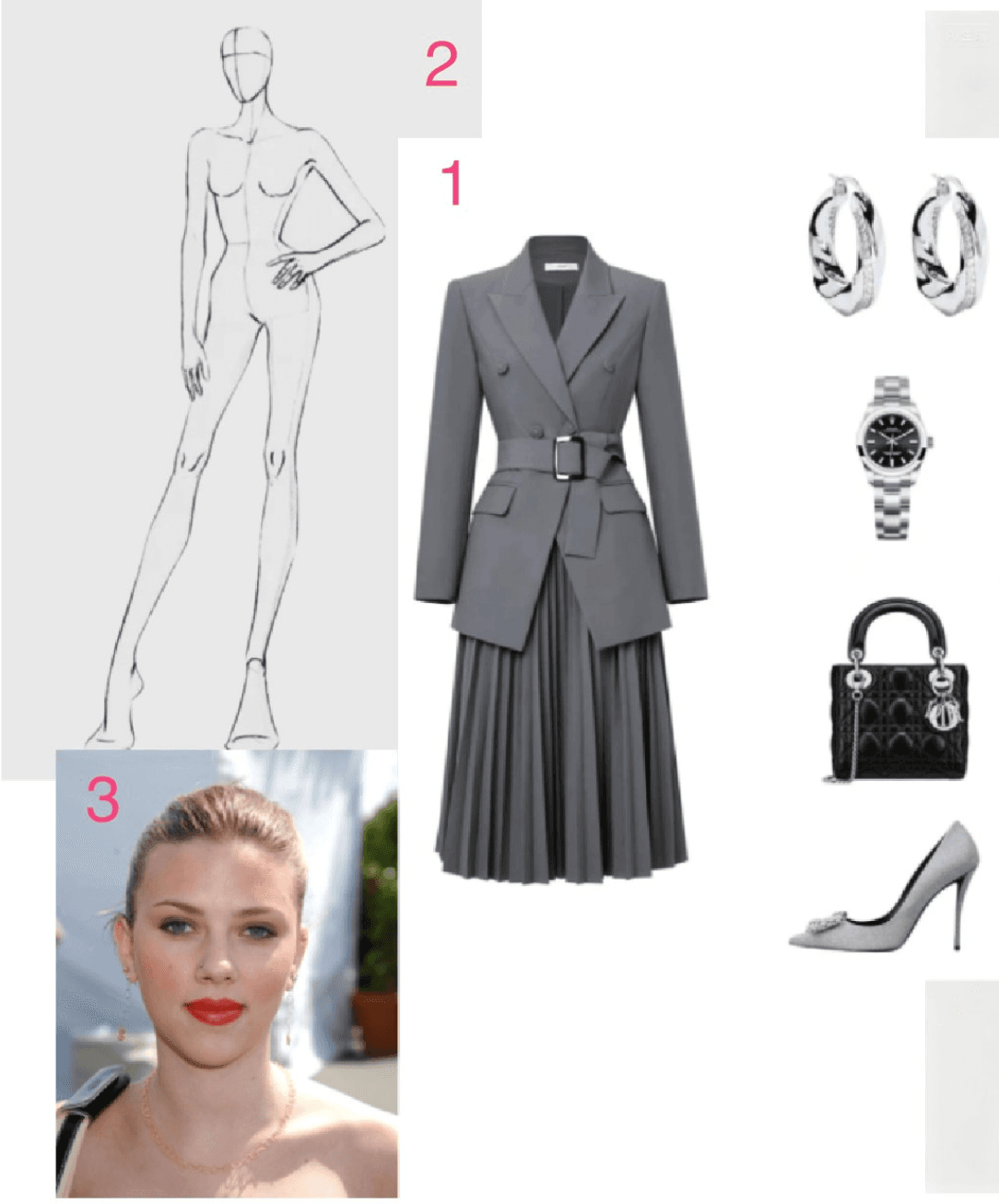
Prompt
Use the pose from image 2, the model face from image 3, and apply the outfit from image 1 to create a full-body styled photo.
Result
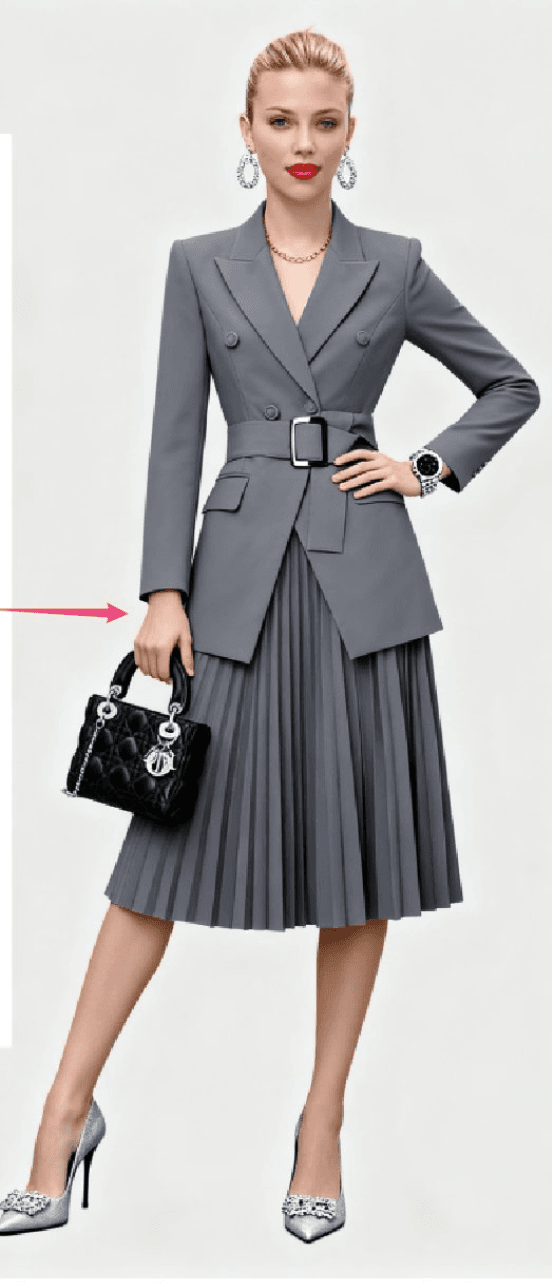
Unified generation + editing, fast 4K output, and knowledge-aware rendering.
Create and edit images with one model—no tool switching needed.
Delivers up to 4K outputs with significantly faster inference.
Accept multiple references and generate multiple outputs at once.
Make precise edits with simple instructions like remove or replace.
Apply styles like watercolor, cyberpunk, or architectural to any input.
Builds educational visuals, charts, timelines, and annotated scenes.
Generate or edit with the same streamlined flow.
Start from text or bring a reference image if needed.
Describe the look, rules, and structure you want.
Create multiple outputs and iterate to refine.
What to expect from the latest Seedream workflow.
Seedream is ByteDance’s image model family. We provide the Seedream 4 series on img2img.online, and the weights are not open-source.
4.5 improves detail and complex instruction stability. If 4.5 is available to your account, it will appear in the model list.
Choose Seedream 4 on img2img.online; other official access points depend on the provider’s latest releases.
Credit usage is about 20 credits per image and about 30 credits for group outputs. New accounts receive 50 credits to start.
Seedream is an image model only; select higher resolutions in the size settings for high-res output.
Safety filters block NSFW content. Watermark controls live in settings, and commercial use should follow rights and platform policies.
img2img